
# Getting Started
# Creating your account
If you’re new to BESS, the first step is to register your details and create an account.
Your BESS account is your account for both BESS tools - Buildings and Subdivisions.
Register at bess.net.au/buildings/register (opens new window) or follow the register link from the login screen.
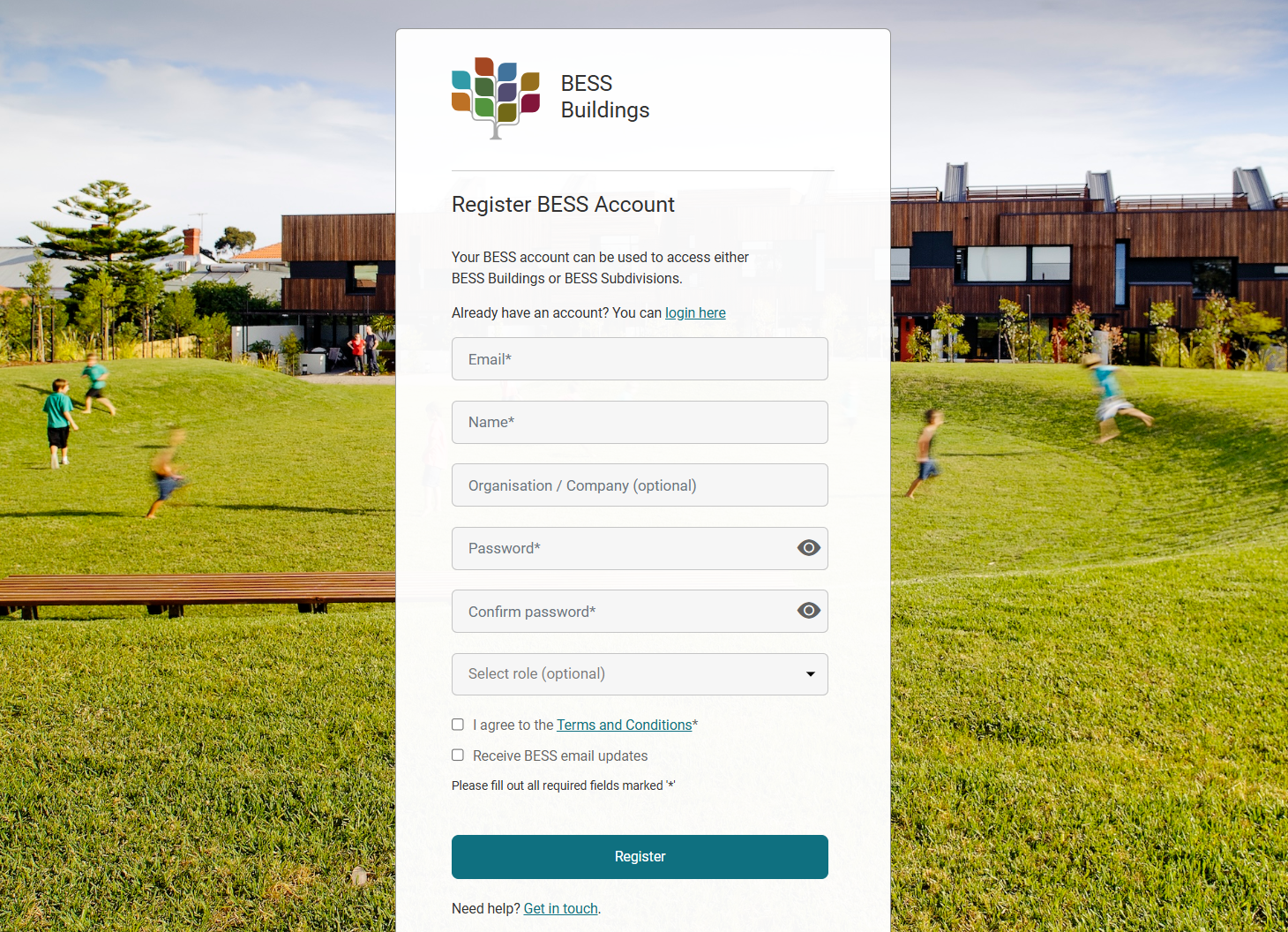
Once you register, confirm your registration by clicking the link in the confirmation email. Check your spam / junk folder if you can’t find the confirmation email.
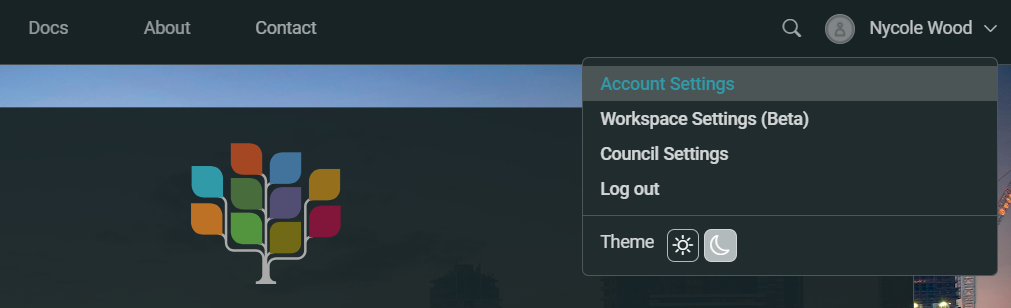
You can edit your account profile, such as the name, email and password, by navigating to your account icon/avatar in the top menu and selecting 'Account Settings'.
Things to keep in mind:
- Registration sits with the email address used to create the account.
- You cannot change the account email address, except on request:
- Example: You have a BESS account with Company A. You leave this employer and commence work with Company B and will also be using BESS. You should register a new account with your Company B email address. Company A owns the domain for your original account, and may request projects be moved to another account.
- Example: Your business name changes and all email addresses are updated. In this case the account email can be updated on request by contacting the BESS team (opens new window).
- You cannot copy or delete an account. If you would like your account deleted, contact the BESS team (opens new window).
- Projects created under your account are owned by that account. You can now share or transfer projects - see Project Collaboration & Workspaces for more information.